Fallout 3 Fix/Repair
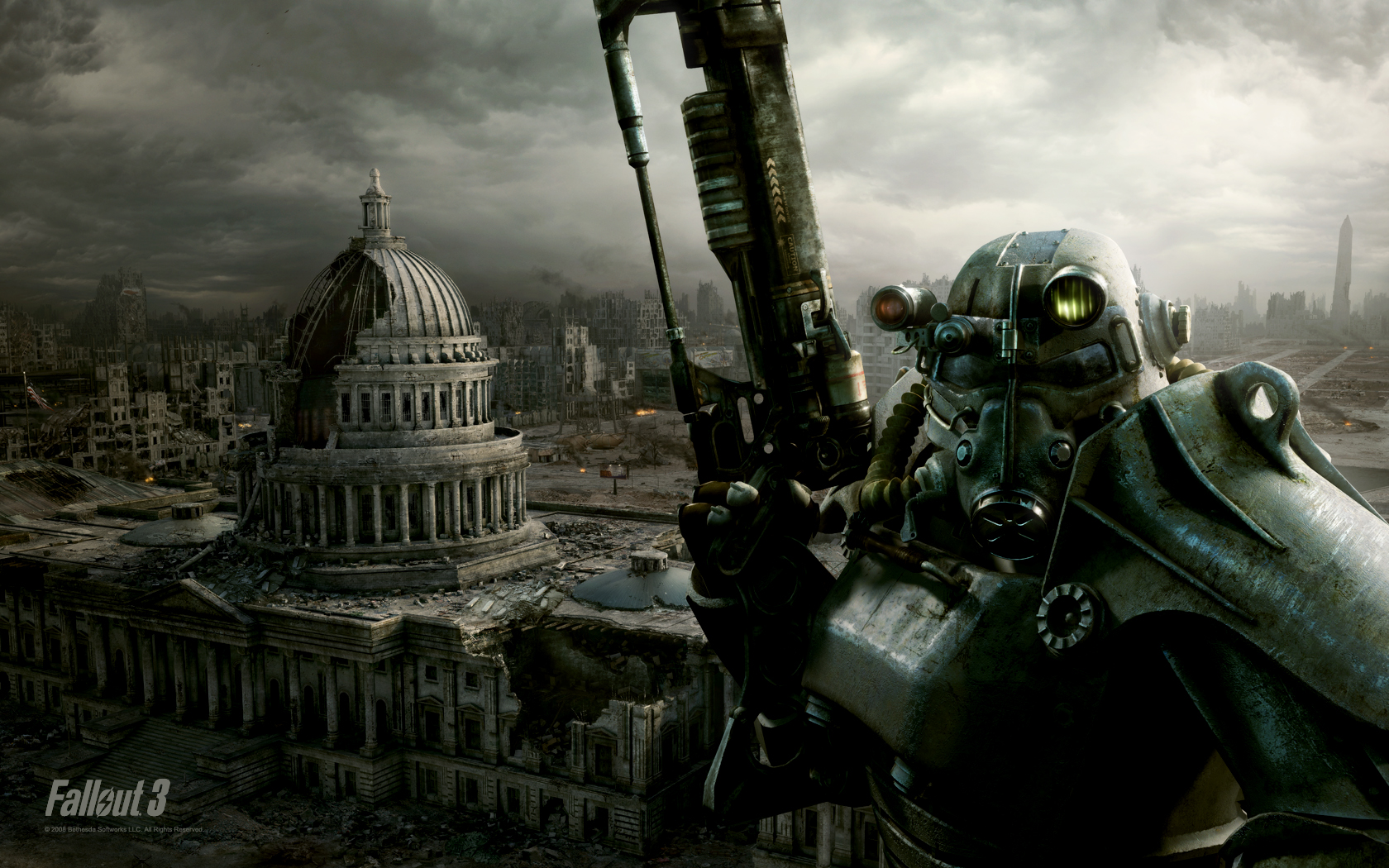
I’d been thinking about starting Fallout 3 after New Vegas for a while, since that game really appealed to me. The only problem I had with it was that it would randomly freeze at irregular intervals, and since I don’t save often, it was incredibly frustrating. (plus on my machine, nothing helped except a full system restart)
Thanks to my hardworking friend, this problem of mine was solved, and here I’ll describe how to eliminate the issue.
First, you need to find the settings folder, which is located in the
"User/Documents/My games/Fallout3"
folder.
Find the FALLOUT.INI file with a text editor and locate the following line:
bUseThreadedAI=0
then change its value to 1:
bUseThreadedAI=1
Once that’s done, insert the following line below it, then save:
iNumHWThreads=2
If the game still freezes after this, change the value of the above line to 1:
iNumHWThreads=1
I hope this solved the problem, enjoy Fallout! 😉